Would you like to have other members of your staff get email notifications for new orders?
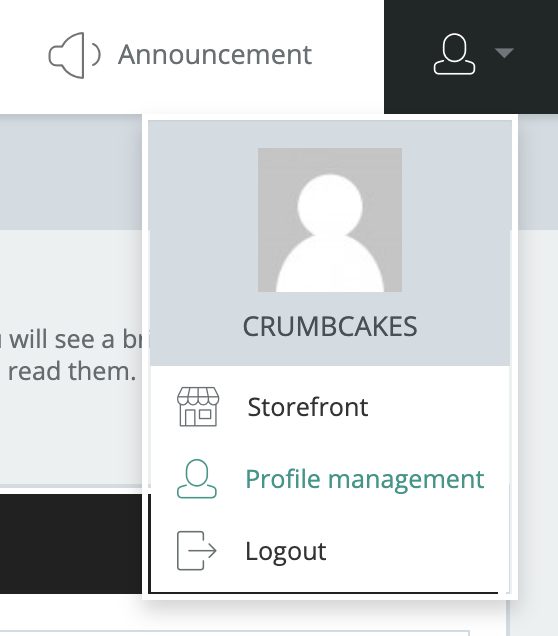
You can do this by clicking the “User” icon in the upper right of your screen and going to Profile Management as seen below:
On the next page, find the Send copies of “New Order” notification emails to section as seen below. Enter in the email addresses you would like to get order notifications, separated by a comma if multiple.

After you have entered in the numbers, click the “Save Options” button found in the upper right of your screen as seen below:
