When a customer orders a product on the marketplace, this is the overall flow that should take place:
- You will receive a “New Order” email
- If you opted in for SMS Text Notifications, you’ll get a text
- Once you have the product ready to ship, you’ll login to the marketplace
- Go to Orders tab
- Find the Order and click the eyeball icon to view or the order link
- Enter in tracking information
- Customer will receive an email letting them know a package has been created with the tracking number included
- Order will automatically be marked as Complete
- You will be paid for you order by our system, normally within the same business day of the order being marked as Complete.
Watch this short video to learn more about the Process:
Local Pickup/Delivery Orders
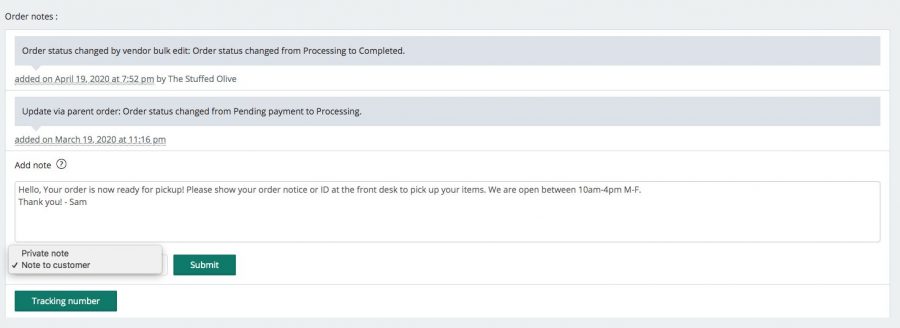
If you have a local-pick up order, go into the Order send a “Customer Note” to let them know when their order is ready! You can always call the customer as well.