Videos are a great way to showcase your product! Our site supports adding YouTube videos to your products. To do this, simply copy the url of your video from YouTube as seen below:

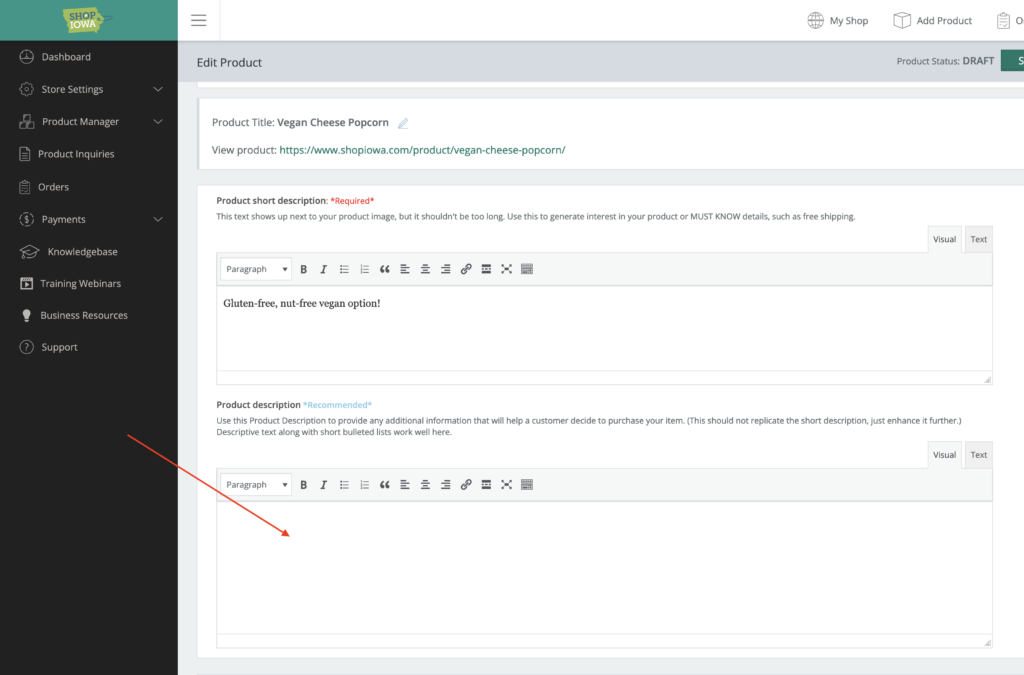
After you’ve copied that URL, simply paste it into the Product Description field on your product.
Save the product and Submit for Review. The video will automatically appear on your product.