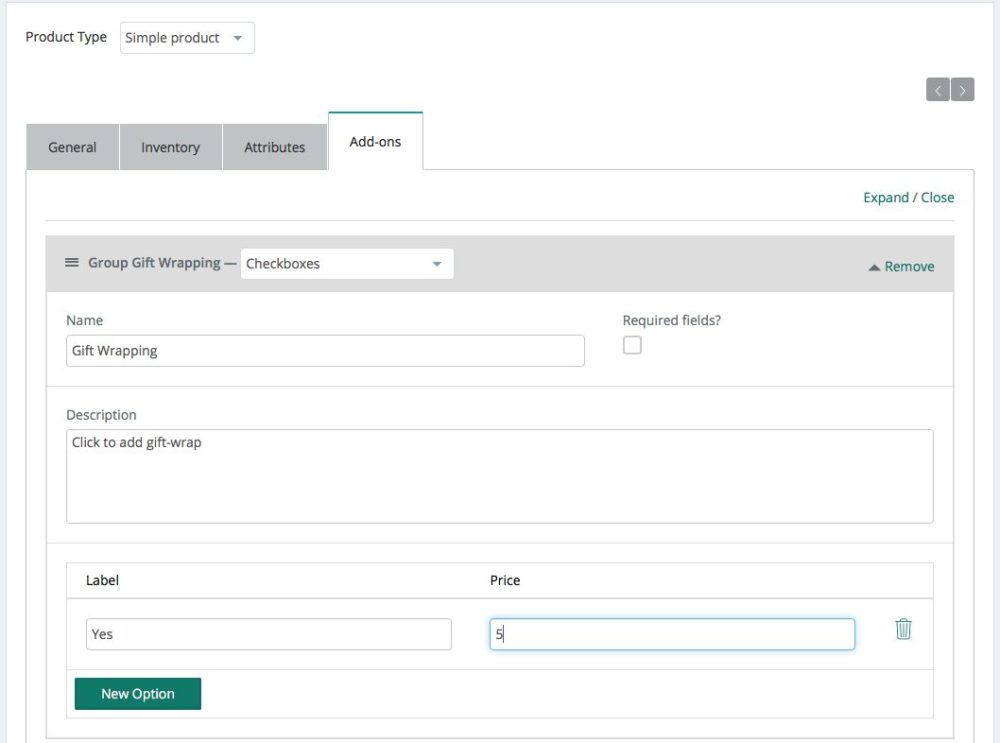
Product Add-ons allow you to gather custom information from customers for your product, select specific options, and up charge if you’d like based on their selections.
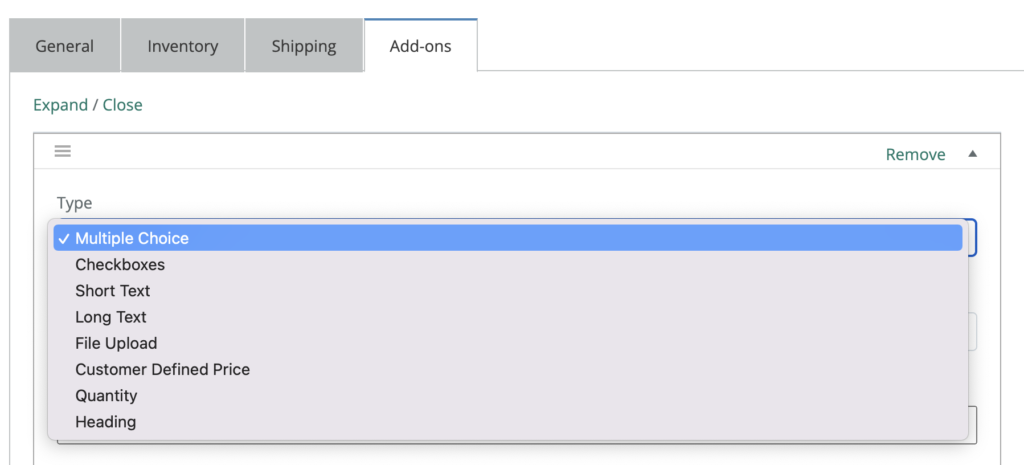
- Checkbox – shows a checkbox or check boxes that can be ticked/unticked by a customer
- Radio buttons – shows a radio button or radio buttons from which the user can choose one
- Select Box – shows a drop down list of options from which the user can select one
- Custom input (text area) – shows a text field where users can write multiple lines of text (character limit possible)
- File upload – allows users to upload a file
- Additional Custom Price Input – shows a field where users can enter a numerical value that is added to the product price
- Additional Price Multiplier – shows a spinner where users can input a number, i.e. quantity
- Custom input (text) – There are five in-built types. This shows a text field where users can enter either any text; just letters; just numbers; both; or an email address only
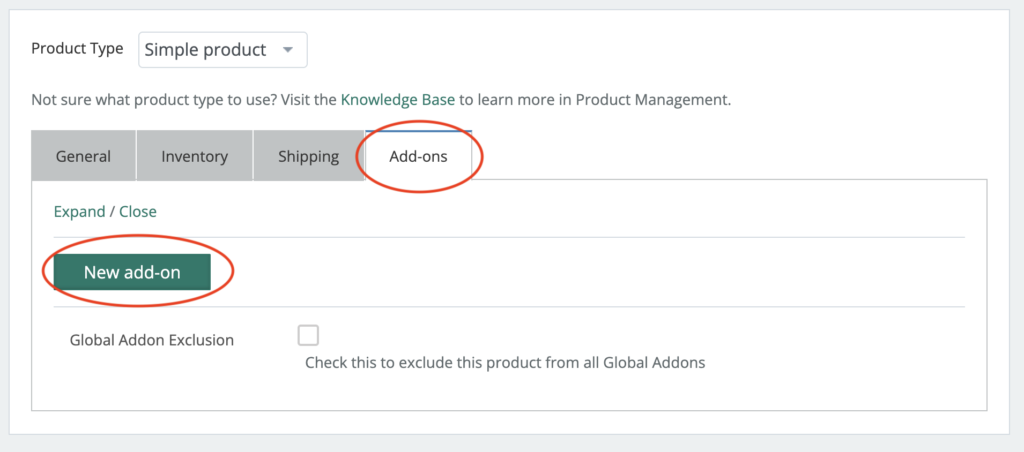
To add on an option to a product, go to the last tab marked “add-ons”, then “New add-on”
Select the type of add on you’d like
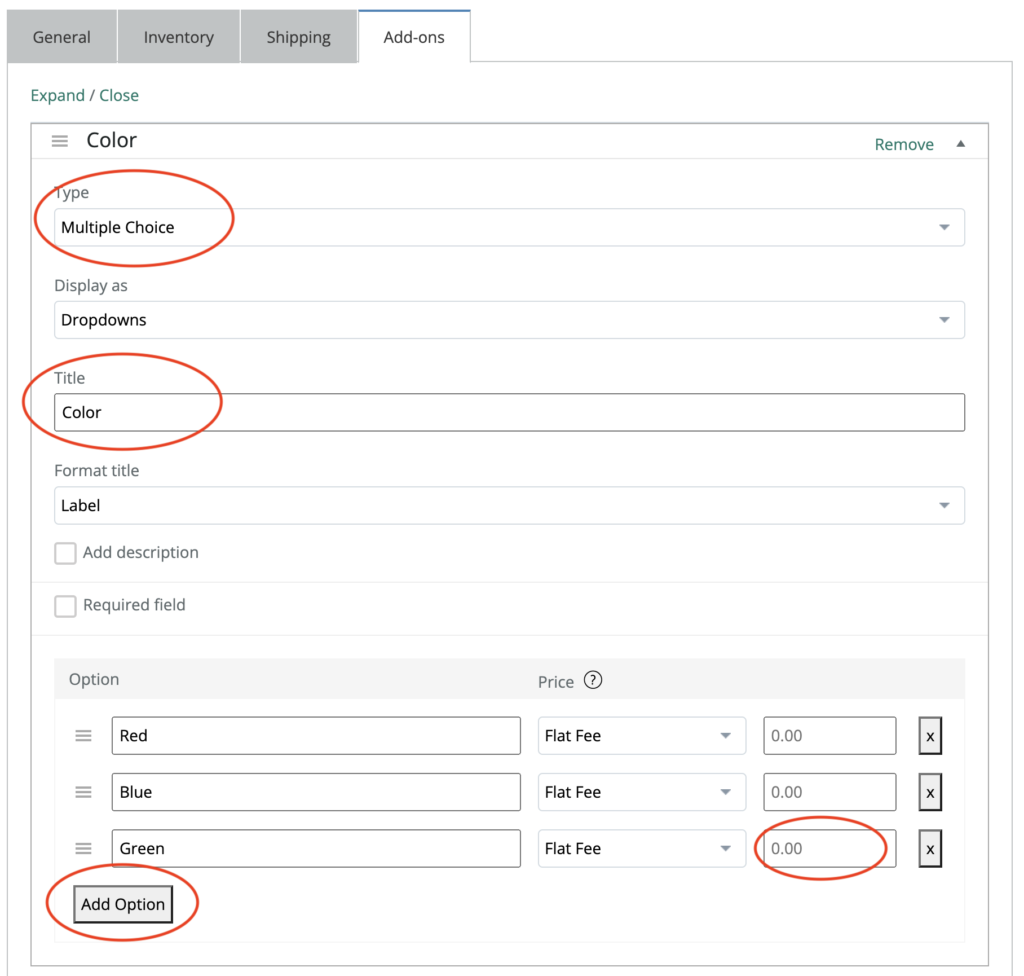
Then customize the add-on with your specific options.
If a checkbox,