Review the order to make sure you pull the correct items for shipment.
1) Package them carefully in appropriate packaging.
2) Make items are packaged in a way that they won’t get smashed, cracked, damaged, bent, or otherwise harmed in the shipment process.
3) Include a thank you note in your package (or write a thank you message on the packing slip)
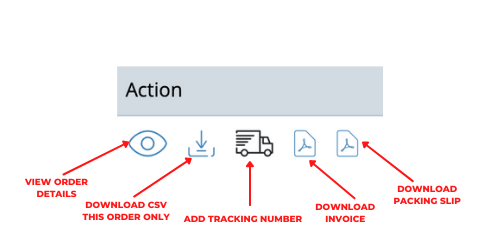
4) Click the TRUCK icon to enter Shipment Details OR Click the EYEBALL to view the order and enter the tracking information at the bottom of the page.
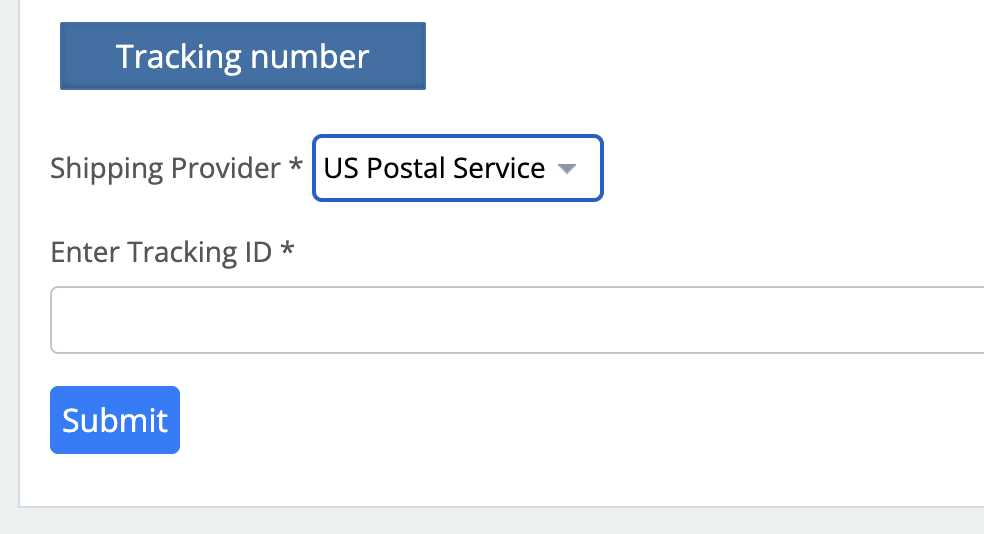
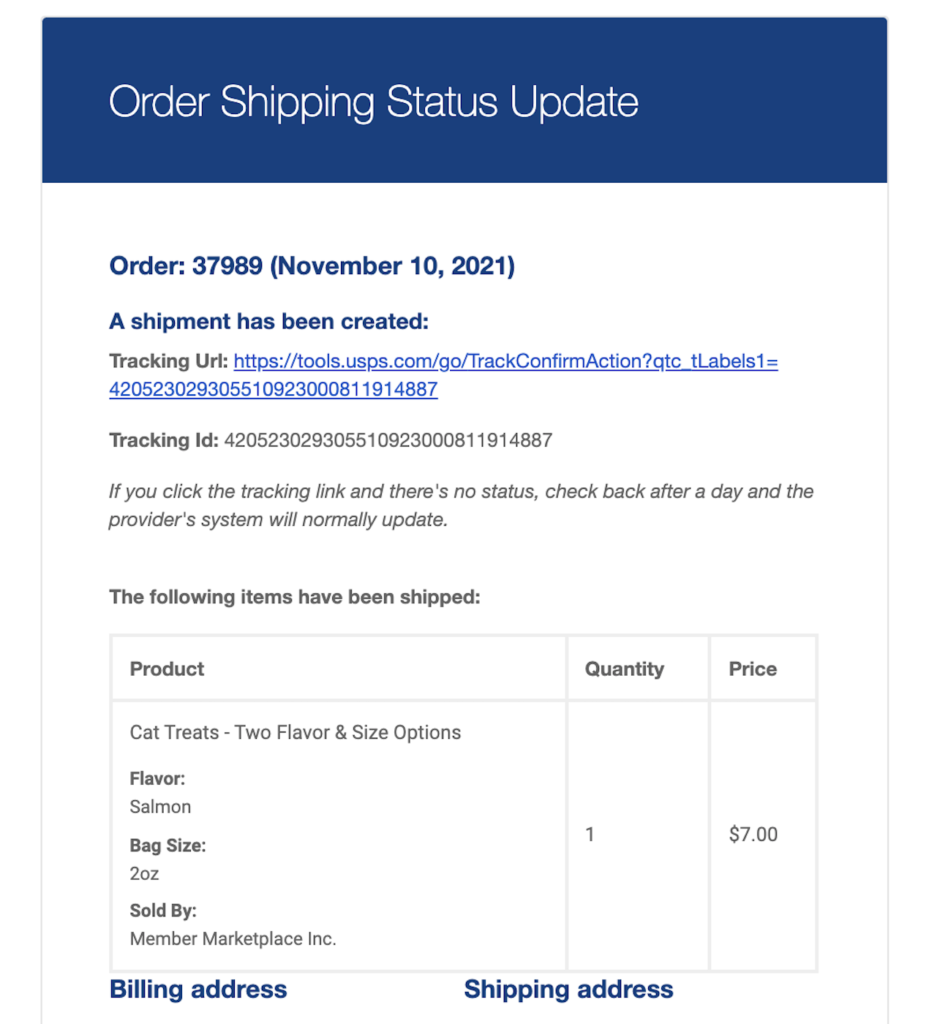
That’s it! Remember, to enter the shipment/tracking information (from the shipping label provider you chose to send it through). Once you do, your customer will receive a notification with the shipment details as seen below: